

QR Code, PDF417 and Data Matrix Font Encoders for .NET
Use the 2D barcode fonts with their respective .NET font encoders to print QR Code, Data Matrix and PDF417 from C# and VB.NET.
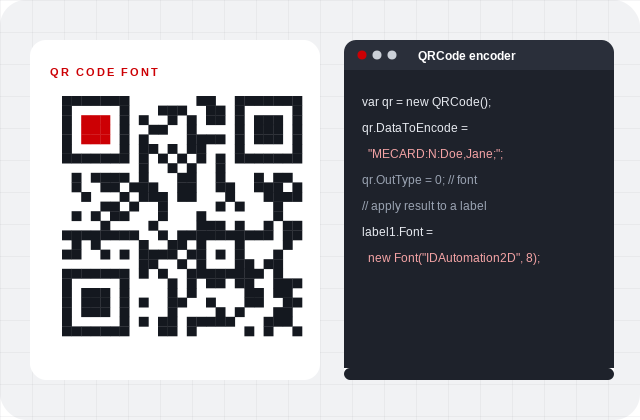
QR Code font and .NET encoder
The QR-Code Font and Encoder Suite generates symbols that meet GS1, GS1 Digital Link, QR Model 2 and ISO/IEC 18004, and supports Swiss QR Code and KSA E-Invoicing specifications.
- Automatic, byte, text and numeric modes, with UTF-8 encoding
- Text, web addresses, MeCard, VCard, GS1, ISBT, HIBC, Swiss QR, TLV and Base64 data
- Keep data to about 800 characters or fewer for reliable scanning
- .NET source code in C# and VB.NET with examples and assembly
Data Matrix font and .NET encoder
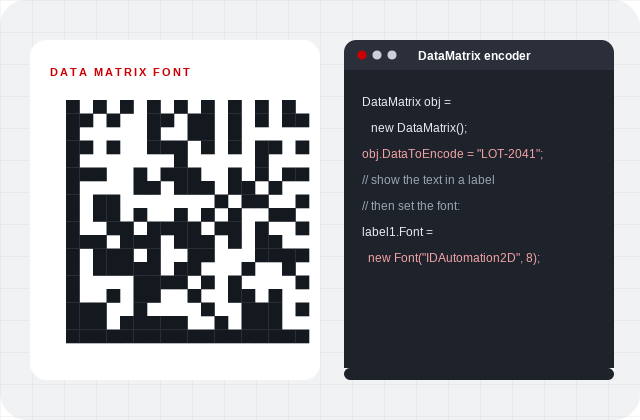
The Data Matrix Font and Encoder Suite generates Data Matrix ECC200 barcodes using both fonts and graphics. The encoder returns a text string that becomes an accurate symbol when combined with the IDAutomation 2D font.
- GS1 Data Matrix support
- .NET encoder included as a font encoder in the Developer License packages
- Example code generates text for the IDAutomation2D font or a Unicode image on a label
PDF417 font and .NET encoder
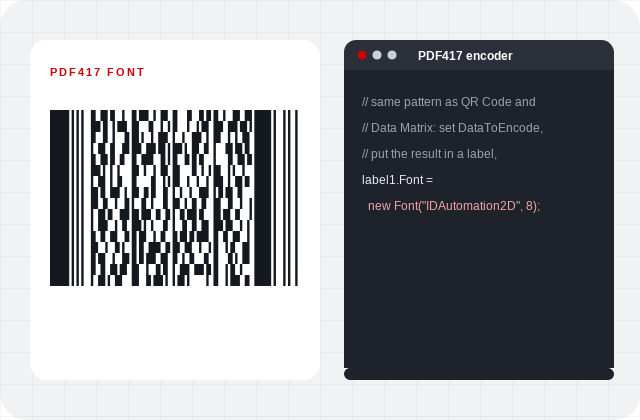
PDF417 is a 2D barcode made of stacked linear rows, used for items such as driver’s licenses, vehicle title registrations and inventory management. About 850 characters can be encoded and read.
- The font uses IDAutomation Vertical Interleaved Technology for small X dimensions; 8 to 12 points is recommended for most uses
- Font encoders return text for the font; graphic encoders return an image
- A font or graphic encoder is necessary because of the complexity of PDF417
Pattern for the 2D encoders
Create the encoder, set DataToEncode, display the returned text in a label and set the font. See the Data Matrix .NET page (opens in a new tab) and the QR Code .NET page (opens in a new tab) for complete examples.
DataMatrix obj = new DataMatrix();
obj.DataToEncode = "LOT-2041";
// show the result in a label and apply the IDAutomation2D font
Frequently asked questions
Which license includes the .NET encoders?
A Developer License or greater is required for the .NET source code in C# and VB.NET with examples and assembly. The .NET Barcode Generator is also included as a font encoder in the Developer License packages of the Data Matrix, Aztec, DotCode, MaxiCode, PDF417 and QR-Code fonts.
Do I need the DLL or the source?
Use the assembly DLL with a Developer License. Using the source file instead of the DLL requires an Unlimited Developer License.
What does the QR Code encoder accept?
Properties include DataToEncode, OutType (IDAutomation 2D font or Unicode monospace), VectorType (SVG, EPS or HTML), ApplyTilde, EncodingMode (Auto, Numeric, Alphanumeric or Binary), Version, ErrorCorrectionLevel, BestMask, QuietZone and ModuleSize.
Which font do I apply?
Apply the IDAutomation2D font to the returned text. A system font such as Courier New can show a Unicode image, but the IDAutomation 2D font usually gives cleaner images.
Print 2D barcodes from .NET
Choose a 2D font suite with a Developer License.